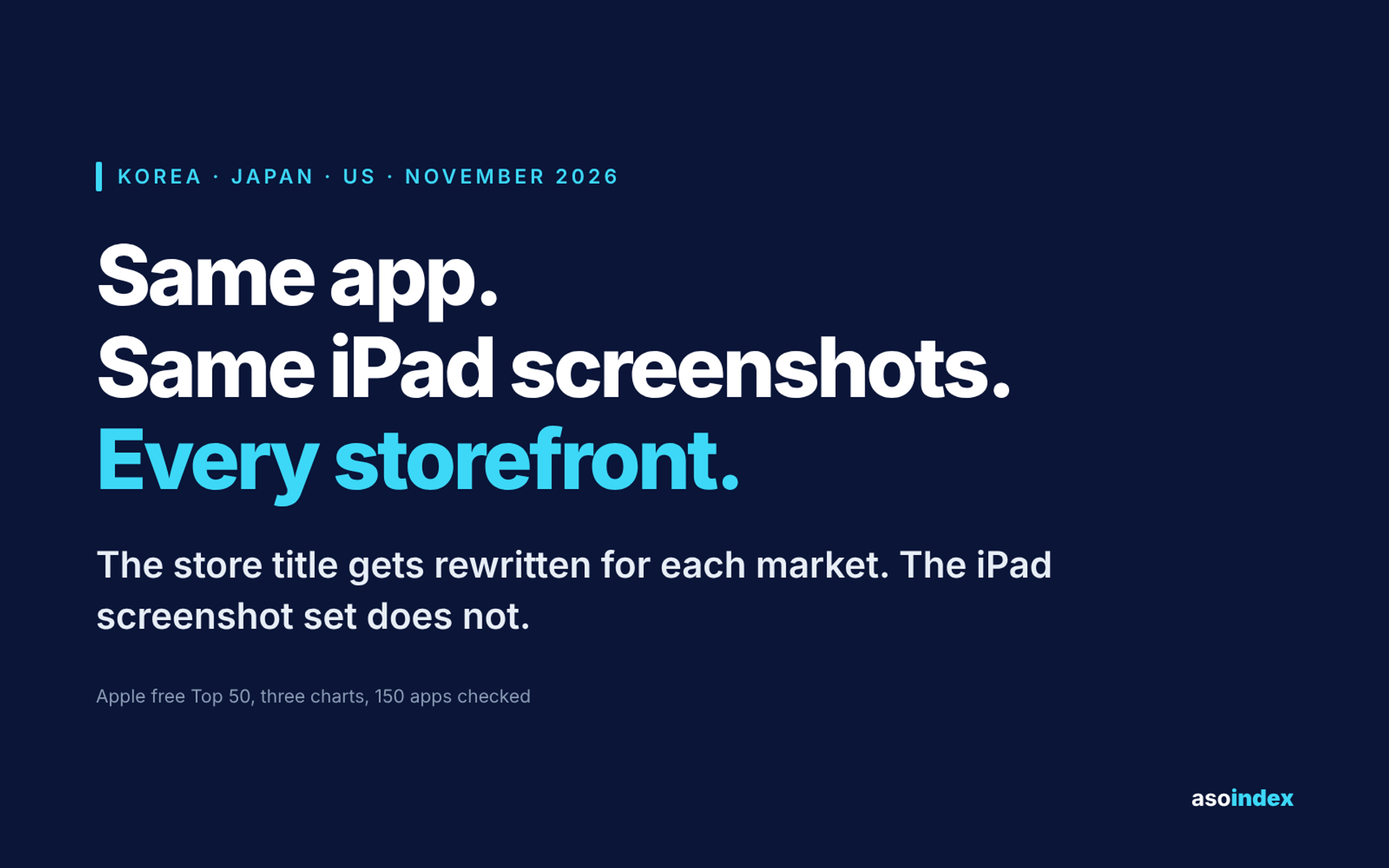
Should you bother with iPad screenshots? Most of the apps on the charts we track have already answered no. Of the 50 apps in Korea’s free iPhone Top 50, all 50 are listed as iPad-compatible and 31 show no iPad screenshots at all. In Japan it is 28 of the 48 compatible apps, and in the United States 12 of 50.
The gap between those three numbers looks like a country difference. It is mostly not.
This is not an iPhone-only problem
An empty iPad section could mean the app simply does not run on iPad. On these charts it almost never does.
| Free Top 50, iPhone | 🇰🇷 Korea | 🇯🇵 Japan | 🇺🇸 United States |
|---|---|---|---|
| Listed as iPad-compatible | 50 of 50 | 48 of 50 | 50 of 50 |
| Of those, showing no iPad screenshots | 31 | 28 | 12 |
| Showing at least one | 19 | 20 | 38 |
Chart from our Monday snapshot of Apple’s free Top 50 (16 November 2026). Listing metadata retrieved from the iTunes Lookup API on 19 November 2026.
Only two apps in the whole set are iPhone-only, both in Japan: the government’s My Number app and NTT Docomo’s d払い. Everywhere else the build already supports iPad and the listing was left empty.
That makes this a decision about the store listing, not a limit of the product. Among apps that do upload iPad screenshots the median count is six, against seven for iPhone. The work is not large.
The same app makes the same call in every storefront
Seven apps appear in all three charts on the same day. Because they are the same products, they show whether this is decided per country.
| App | 🇰🇷 Korea | 🇯🇵 Japan | 🇺🇸 United States |
|---|---|---|---|
| Claude | 10 | 10 | 9 |
| ChatGPT | 8 | 8 | 8 |
| Google Gemini | 7 | 8 | 8 |
| Spotify | 6 | 6 | 6 |
| ReelShort | 6 | 6 | 6 |
| DramaWave | 6 | 6 | 6 |
| Threads | 0 | 0 | 0 |
Number of iPad screenshots shown on each storefront, 19 November 2026.
The counts are the same or within one. Threads shows none anywhere.
This is worth putting next to the store title, which is rewritten market by market. The same app will carry a different name, a different subtitle and a different descriptor in each country, as we found when we compared titles across Korea, Japan and the US, then hand every storefront an identical iPad screenshot set. One of those two is treated as a local decision and the other is not.
So the 31 against 12 is not Korean teams skipping something American teams do. It is a question of which apps sit on each chart.
The apps that leave it empty are local everyday services
Sorting the empty listings by category makes the pattern plain.
| Categories with the most empty iPad listings | |
|---|---|
| 🇰🇷 Korea | Shopping 7 · Lifestyle 6 · Finance 4 · Photo & Video 4 |
| 🇯🇵 Japan | Food & Drink 9 · Shopping 5 · Social Networking 3 |
| 🇺🇸 United States | Shopping 5 · Finance 2 · Social Networking 2 |
Primary App Store category of apps that are iPad-compatible and show no iPad screenshots, 19 November 2026.
In Korea they are MUJI KR, Naver Plus Store, 29CM, Daiso Mall, SPAO, Hana Bank, Naver Pay, CatchTable and Coupang Eats. In Japan they are Starbucks Japan, McDonald’s Japan, PayPay, Matsukiyo Cocokara, Shimamura and Hama Sushi. Shops, banks, restaurants and delivery.
The United States chart holds more of the global software that fills the section everywhere, which is why its share is lower. Its own local service apps behave the same way: Kalshi, VIZIO and Whatnot also show nothing.
Read that as a description of these charts on one day, not as a rule about what works. Our data shows where the empty listings sit, not what they cost.
What this does not say
It is one day of one chart, the free iPhone chart, and iPad compatibility as the API reports it.
We did not measure downloads or conversion. Nothing here says that adding iPad screenshots earns installs, or that leaving them out loses any. An app whose users are overwhelmingly on iPhone may be right to spend its effort elsewhere.
“iPad-compatible” in the API is not the same as an interface designed for a larger screen. An app can be compatible and still be a stretched phone layout, and that may be exactly why some teams do not show it.
What to do with this
- Check your own listing first. If your app is iPad-compatible and the iPad screenshot section is empty, find out whether that was decided or inherited. By the look of these charts, most are in the second group.
- Count your competitive set, not the chart. The share that fills the section runs from 24% to 62% depending on which apps you put in the frame. Count the five to ten apps you actually lose installs to, in your own category and country.
- If you do fill it, six is the working number. That is the median among apps on these charts that show any, against seven on iPhone.
- Decide it once, not per country. Every multi-country app we checked already does. Rewriting your title per storefront is a separate decision and a separate piece of work.
- Treat it as a product question before a listing one. If the iPad layout is a stretched phone screen, showing it may do less for you than fixing it. The listing can only show what the app looks like.
Method
We took the Korea, Japan and United States free Top 50 iPhone charts from our Monday snapshot of Apple’s RSS feed (16 November 2026), then requested each app’s listing metadata from the iTunes Lookup API with the matching country code on 19 November 2026. An app counts as iPad-compatible when its supportedDevices field contains an iPad model, and as showing no iPad screenshots when ipadScreenshotUrls is empty. Categories are the primary App Store category as the API reports it. All 150 apps returned data.
Looking at the Korean or Japanese app market? asoindex reads the app store data from both markets every week.